
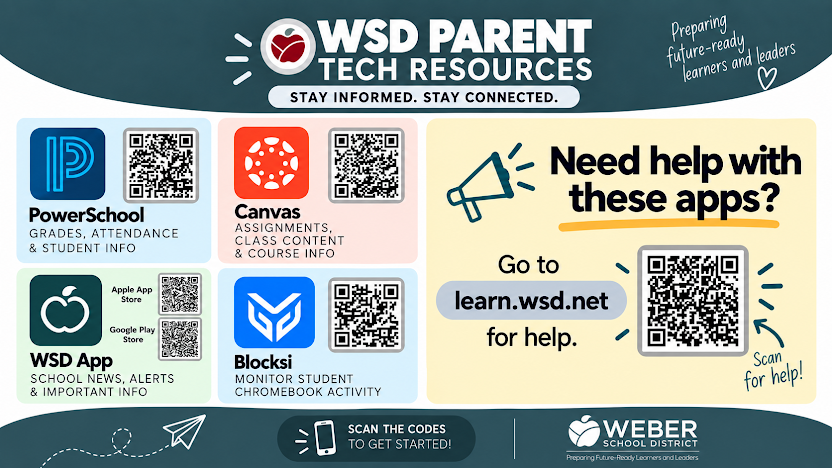
At North Ogden Elementary, we know that when parents and educators work together, our students thrive. Weber School District provides four essential digital tools designed to keep you informed and involved in your student’s daily learning experience.
Here is a quick overview of the core apps available to all North Ogden Elementary families:
PowerSchool: Access official grades, track daily attendance, and keep contact details current.
Canvas: View class assignments, explore course content, and read teacher feedback on student work.
WSD App: Receive immediate district alerts, check school news, and keep up with daily announcements right from your phone.
Blocksi: Monitor web activity and set guidelines on district-issued Chromebooks during out-of-school hours.
If you ever need assistance setting up these applications or logging in, help is readily available. Visit learn.wsd.net to access step-by-step video tutorials and helpful guides for each platform. You can also scan the QR codes on our district flyer to get started today.